#1 Masks
Brighten one thing
Brush, linear and radial gradients, colour and tone ranges, each with its own sliders. Subject, background, object and depth masks are found by AI on your device.
M MasksO Overlay
Rembrandt develops RAW files, masks, heals and exports on your own computer or in a browser. It is free, the code is public, and your edits are plain XMP files next to your photos.
#0 Develop
We think you should own your editor the way you own your camera. So Rembrandt is free on your computer, open for anyone to read, and paid only where it costs us money every month: keeping your photos online.
The code is under the GPL, so nobody, including us, can take it back or close it later.
No investors and no ads. Your photos are never used to train anything.
If we ever stop, you still have the app, the source and your edits in an open format.
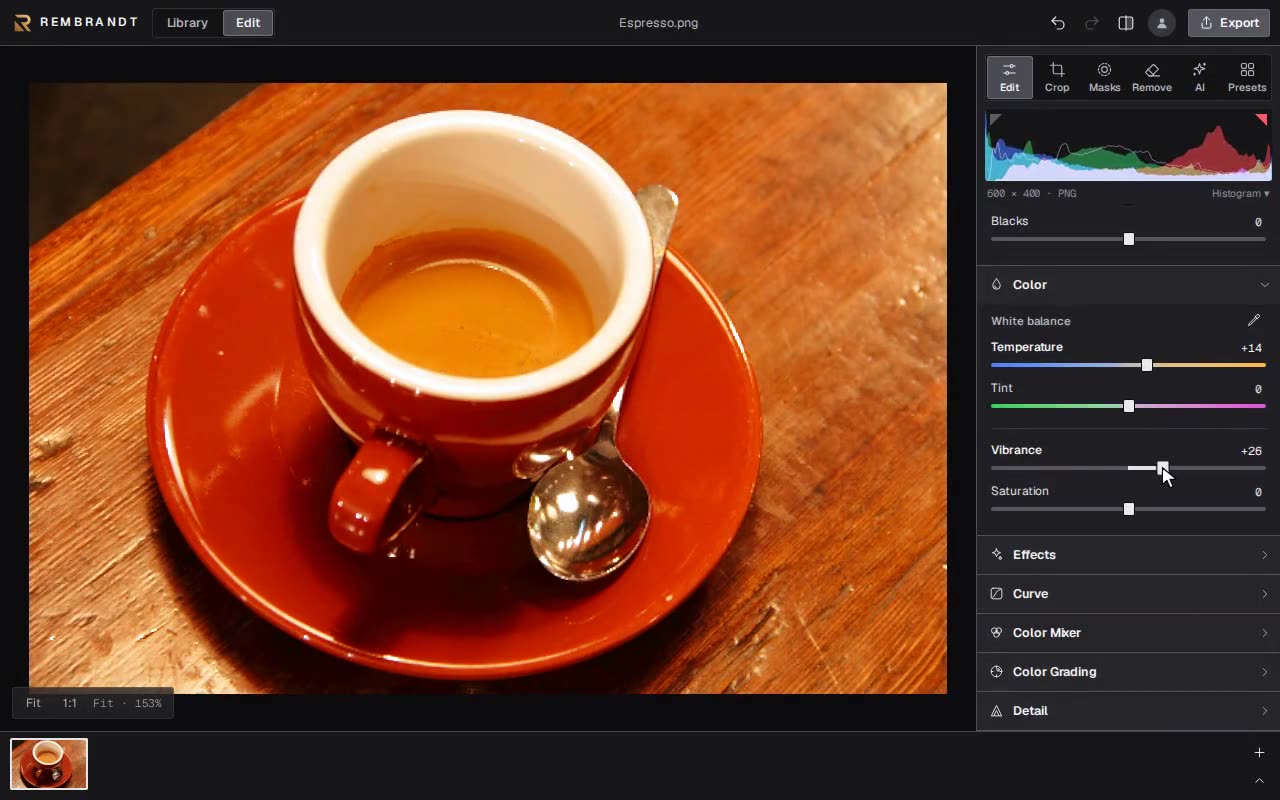
Every slider, mask and AI tool runs on your own machine. Your photos never leave it unless you send them somewhere.
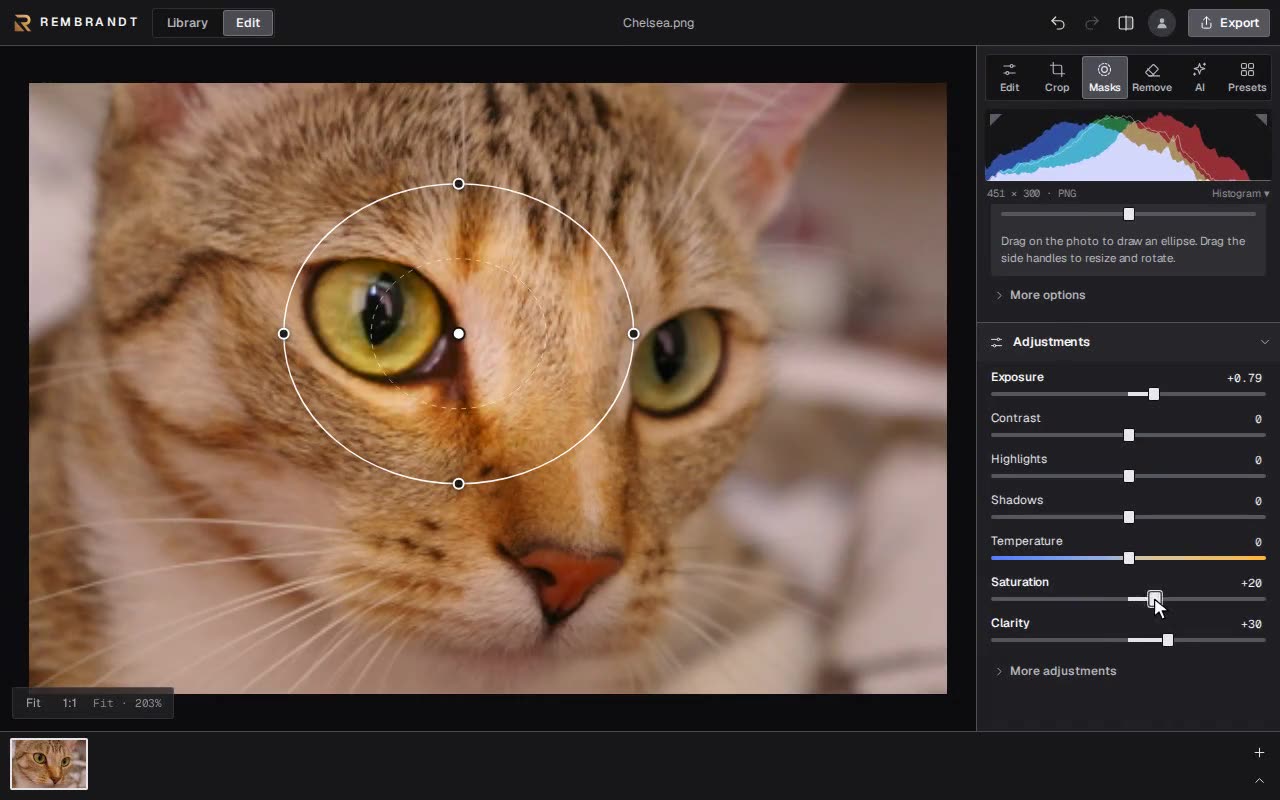
#1 Masks
Brush, linear and radial gradients, colour and tone ranges, each with its own sliders. Subject, background, object and depth masks are found by AI on your device.
M MasksO Overlay
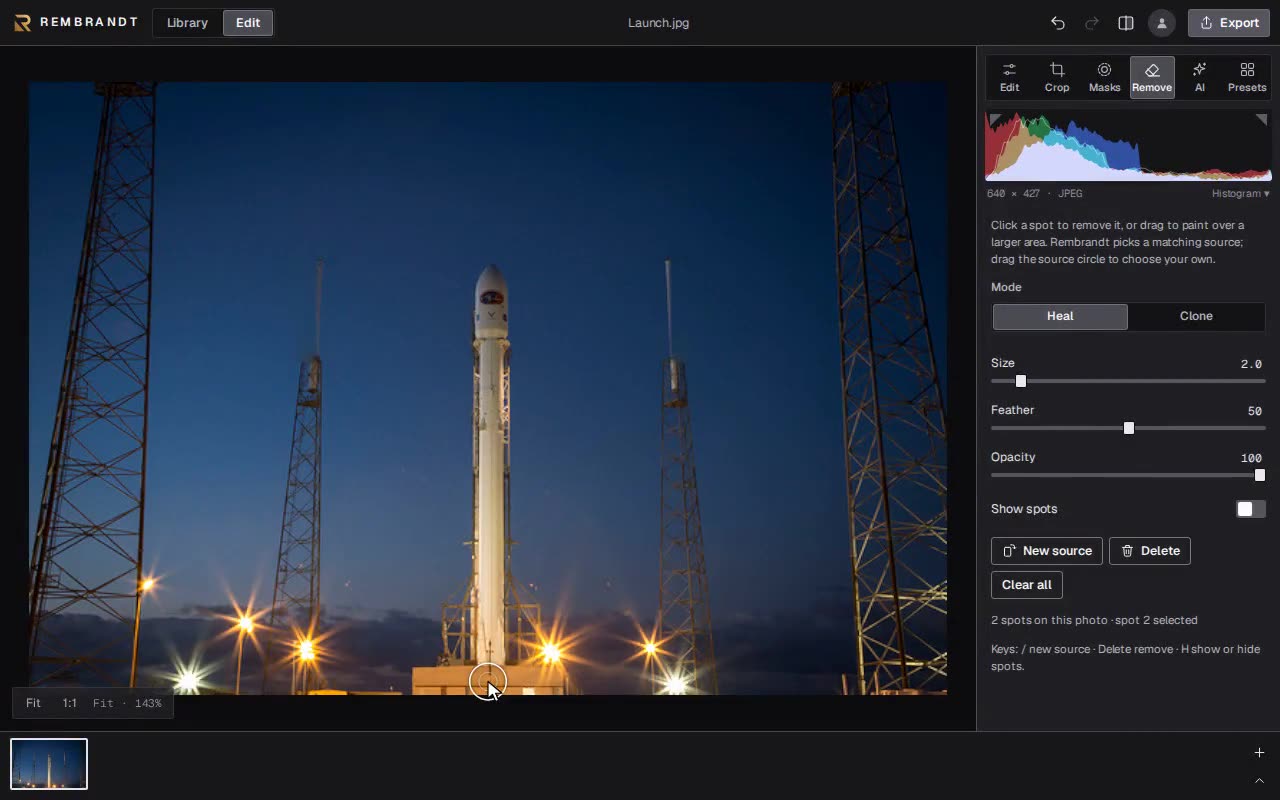
#2 Remove
Click a dust spot or paint over something you don’t want. Rembrandt fills it from a matching patch; drag the source if you want a different one.
Q RemoveH Hide spots
#3 Compare
Split or side by side with a divider you can drag. The histogram updates as you work and can mark clipped highlights and shadows.
Y Split\ Original
#4 Library
Albums, stars, flags, smart collections and search. Point it at a folder and it stays in sync, or bring a Lightroom Classic catalog with its edits.
#5 Optics
Fujifilm and Sony profiles read straight from the file, plus manual distortion and vignetting for everything else.
#6 Self-host
One command serves the editor and a photo folder to every browser on your network. It updates itself from Settings.
Open a folder and keep your photos where they are, or bring a whole library over with its ratings, flags and edits.
Computer · self-hosted
$0
forever
iPhone · iPad · Android // coming soon
$30
once
Yes. The desktop apps and the self-hosted web editor are free with nothing held back and no watermark. The only paid things are the phone unlock and Cloud sync, which stores your photos online.
No. Accounts exist only for Cloud sync. Everything else works offline without signing in.
In XMP sidecar files next to your photos. Your originals are never changed, and other editors can read the edits.
RAW files from about 1,000 camera models, decoded with LibRaw. JPEG, PNG, WebP, AVIF and TIFF work everywhere; HEIC where your system can open it.
Your photos and edits on your devices stay where they are. Photos stored online stay readable so you can download them.
Yes. Import the .lrcat file and Rembrandt brings over your photos, ratings, flags and the edits it can translate.